Differences between PCs (Desktop & Laptop) and Tablets
Detail Comparison Between PC & Tablet and Which One is Right for You.
COMPUTER
Posted by Tae K.
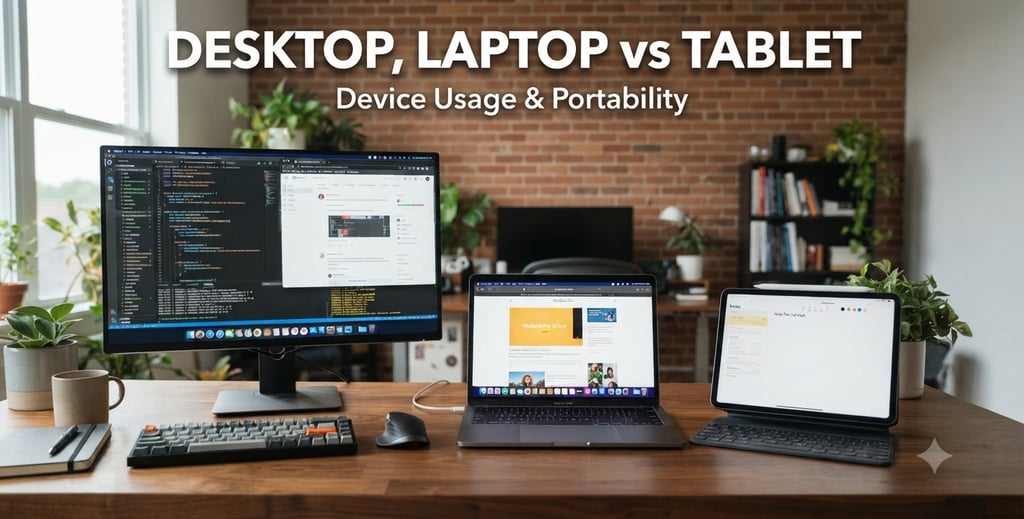
A PC (Personal Computer) and a tablet can both browse the web, run apps, and create documents, but they're designed for different types of work.
Feature PC Tablet
Performance More powerful for multitasking, gaming, Good for web browsing, streaming, video editing, and professional soft email, and light productivity
Operating System Windows, macOS, Linux iPad OS, Android, Windows (some tablets)
Keyboard & Mouse Usually included Optional accessories or touchscreen keyboard
Touchscreen Optional Standard feature
Portability Less portable (especially desktops) Lightweight and easy to carry
Battery Life Laptops: 6–15 hours; desktops require power Usually 8–15+ hours
Storage Larger storage options (512GB–4TB+) Typically 64GB–512GB
Software Runs full desktop applications Runs mobile apps (some tablets also support desktop-style apps)
Price $400–$3,000+ $150–$1,500+
A PC is best if you:
Work from home
Need Microsoft Office with all features
Edit photos or videos
Play PC games
Use multiple monitors
Need to connect printers, scanners, or other devices
Do programming or engineering work
A tablet is best if you:
Browse the internet
Watch Netflix or YouTube
Read books or magazines
Check email and social media
Take notes with a stylus
Travel frequently
Want a lightweight device with long battery life
Which one should you buy?
Choose a PC if:
You need a computer for work or school.
You frequently multitask.
You want the most flexibility and performance.
Choose a tablet if:
You mainly consume content (videos, reading, browsing).
You value portability and simplicity.
You already have a computer and want a second device.
Can a tablet replace a PC?
For some people, yes. Modern tablets like the iPad Pro or Microsoft Surface can handle email, web browsing, note-taking, and basic Office tasks. However, if you regularly use specialized software, perform heavy multitasking, or need advanced file management, a traditional PC is still the better choice.
Simple rule of thumb:
💻 PC = Best for creating and getting work done
📱 Tablet = Best for consuming content and staying portable
Contact Us
Get in touch with us
Phone Number:
info@primetechcarelv.com
© 2025. All rights reserved.
Address:
Email: